
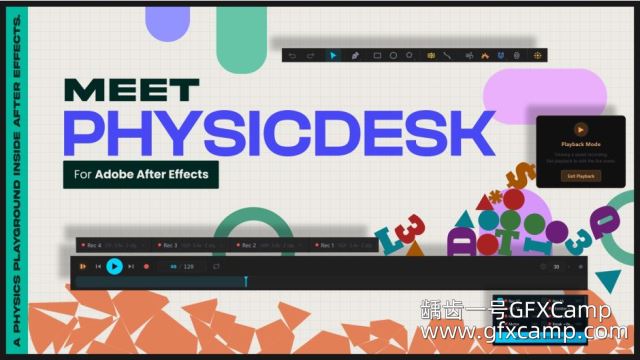
AE实时物理动画模拟脚本 Aescripts PhysicDesk V2.2.120 + 使用教程
by
·
发布于
· 更新于

 添加收藏
添加收藏
AE实时物理动画模拟脚本 Aescripts PhysicDesk V2.2.120 + 使用教程
一款适用于 After Effects 的实时 2D 物理模拟器——快速、精准,直接在您的视窗中运行。使用动态、静态和动画体构建场景;通过枢轴、焊接、弹簧、车轮及绳索关节进行连接;添加风力、磁力、传送门和爆炸等力场区域;叠加粒子发射器、碎裂效果、柔体及声音驱动运动。当模拟效果达到理想状态时,将每个运动路径烘焙为原生 After Effects 关键帧——完全可编辑,随时可渲染。
A real-time 2D physics simulator for After Effects — fast, accurate, and running right inside your viewport. Build scenes with dynamic, static, and animated bodies; connect them through pivot, weld, spring, wheel, and rope joints; add force zones for wind, magnets, portal, and explosions; layer in particle emitters, fracture, soft bodies, and sound-driven motion. When the simulation looks right, bake every motion path into native After Effects keyframes — fully editable, ready to render.
支持的AE版本:
- AE 2026, 2025, 2024, 2023, 2022
AE脚本怎么安装?
- 参考压缩包里面的文档步骤
AE脚本不能用?
- 不要用中文版AE,中文版表达式会报错
- 偏好设置,Edit—Preferences—General面板下,勾选上Allow Scripts to Write Files and Access Network
- 脚本不支持你的AE版本(可能性较小)
提取密码:ebfw
提取密码:2mys
提取密码:gn1n

















 1062372061